
How to Choose the Best Photo for a 3D Crystal Gift
The photo you choose is the most important decision in ordering a 3D photo crystal. The technology can do extraordinary things, but it can only work with what you give it. A great photo produces a stunning crystal. A poor photo produces a disappointing one.
This guide covers everything you need to know to choose (or take) the best possible photo for your 3D crystal gift.
The Four Qualities of a Great Crystal Photo
1. Resolution: The Higher the Better
3D laser engraving works at a microscopic level - millions of tiny fracture points inside glass, each corresponding to image data. More pixels in the source photo means more data to work with and more detail in the final crystal.
The minimum viable resolution is around 500x500 pixels, but that will produce a noticeably softer result. For best quality:
- Ideal: 1500 x 1500 pixels or larger (any modern smartphone takes photos this large or larger)
- Good: 1000 x 1000 pixels
- Acceptable: 500 x 500 pixels (noticeable softness at larger crystal sizes)
- Avoid: Screenshots of social media photos, heavily compressed images, images that have been enlarged digitally
The best source is always the original file from the camera or phone - not a photo of a photo, not a screenshot, not a downloaded social media version (which is compressed).
2. Lighting: Even and Clear
The 3D conversion software reads facial depth from lighting cues - the way light falls on cheekbones, the shadow under a nose, the highlight on a forehead. Even, clear lighting helps this process enormously. Harsh, uneven, or very dark lighting confuses it.
What works well:
- Natural outdoor light (overcast days are actually ideal - soft, shadowless light)
- Professional portrait lighting
- Indoor lighting near a window
- Even studio flash
What to avoid:
- Flash directly in front of the subject (creates flat, washed-out lighting)
- Strong backlighting (subject appears dark against a bright background)
- Harsh single-source lighting creating deep shadows across the face
- Very dark photos where facial features are hard to distinguish
3. Face Orientation: Facing the Camera
A 3D crystal works best when the subject's face is oriented toward the camera. This is because the depth-mapping software uses stereoscopic information and geometric cues to build the 3D model - and those cues are most abundant in a front-facing portrait.
In order of preference:
- Full front-facing - subject looking directly at camera (best depth)
- Slight three-quarter angle - head turned perhaps 15-30 degrees (works well)
- Half-profile - head turned 45 degrees (workable, reduced depth on far side)
- Full profile - subject facing 90 degrees away (limited 3D effect)
This doesn't mean every crystal photo must be a stiff portrait. Candid moments where the subject happens to be facing (or nearly facing) the camera can work beautifully - sometimes better than formal portraits, because they capture natural expression.
4. Clarity: Sharp, Not Blurry
Motion blur, camera shake, and out-of-focus subjects all reduce the quality of the final engraving. The laser reproduces what's in the photo - including blur. A sharp, in-focus image translates directly to a crisp, detailed crystal portrait.
Check your photo at 100% zoom before submitting it. Is the face sharp and in focus? Is there any motion blur? Is the subject the sharpest element in the image (not the background)?
Number of People in the Photo
3D crystals can be made with one person, two people, or small groups.
- Single subject: Produces the most detailed portrait. The full resolution of the crystal is dedicated to one face. Ideal for memorial keepsakes, individual gifts, and pet portraits.
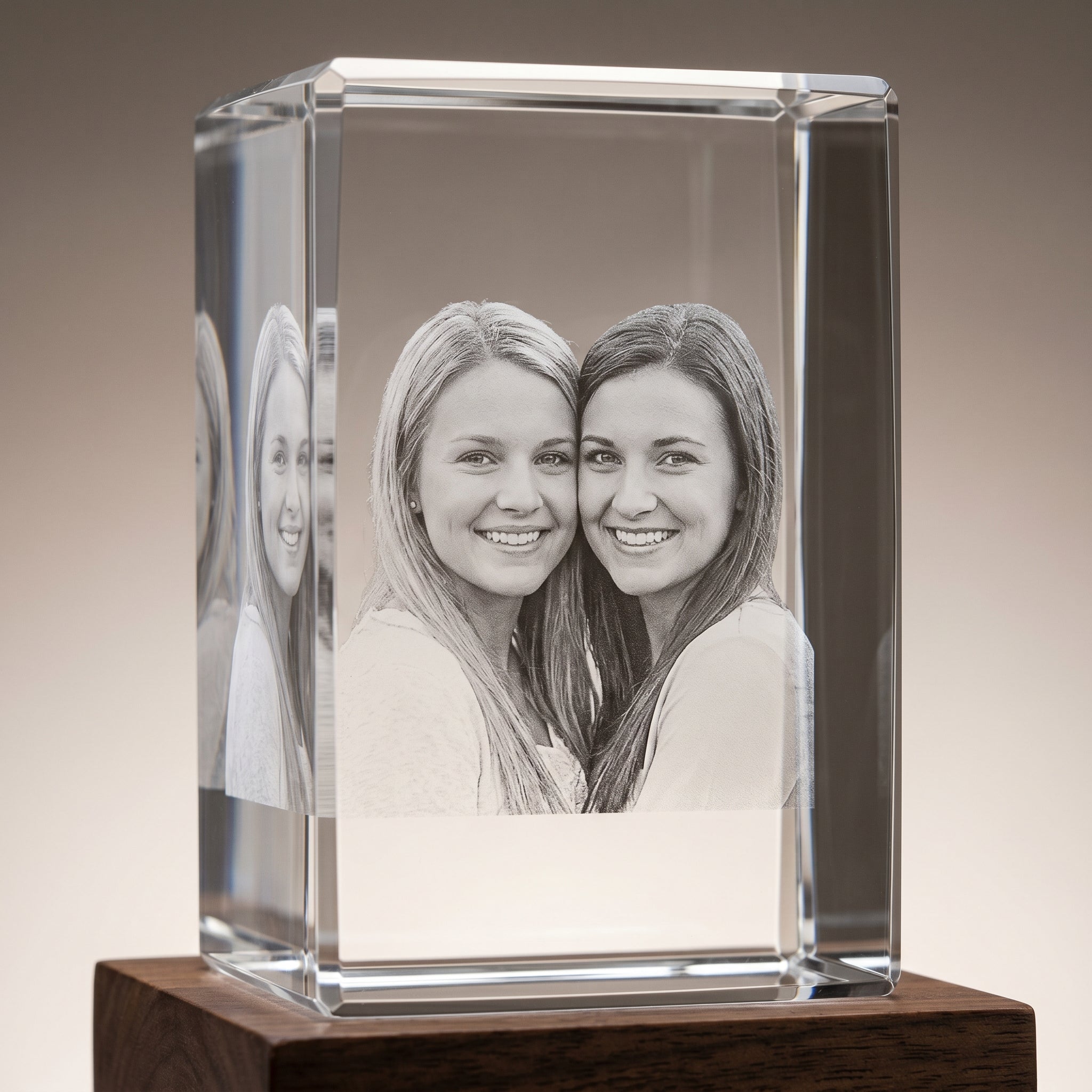
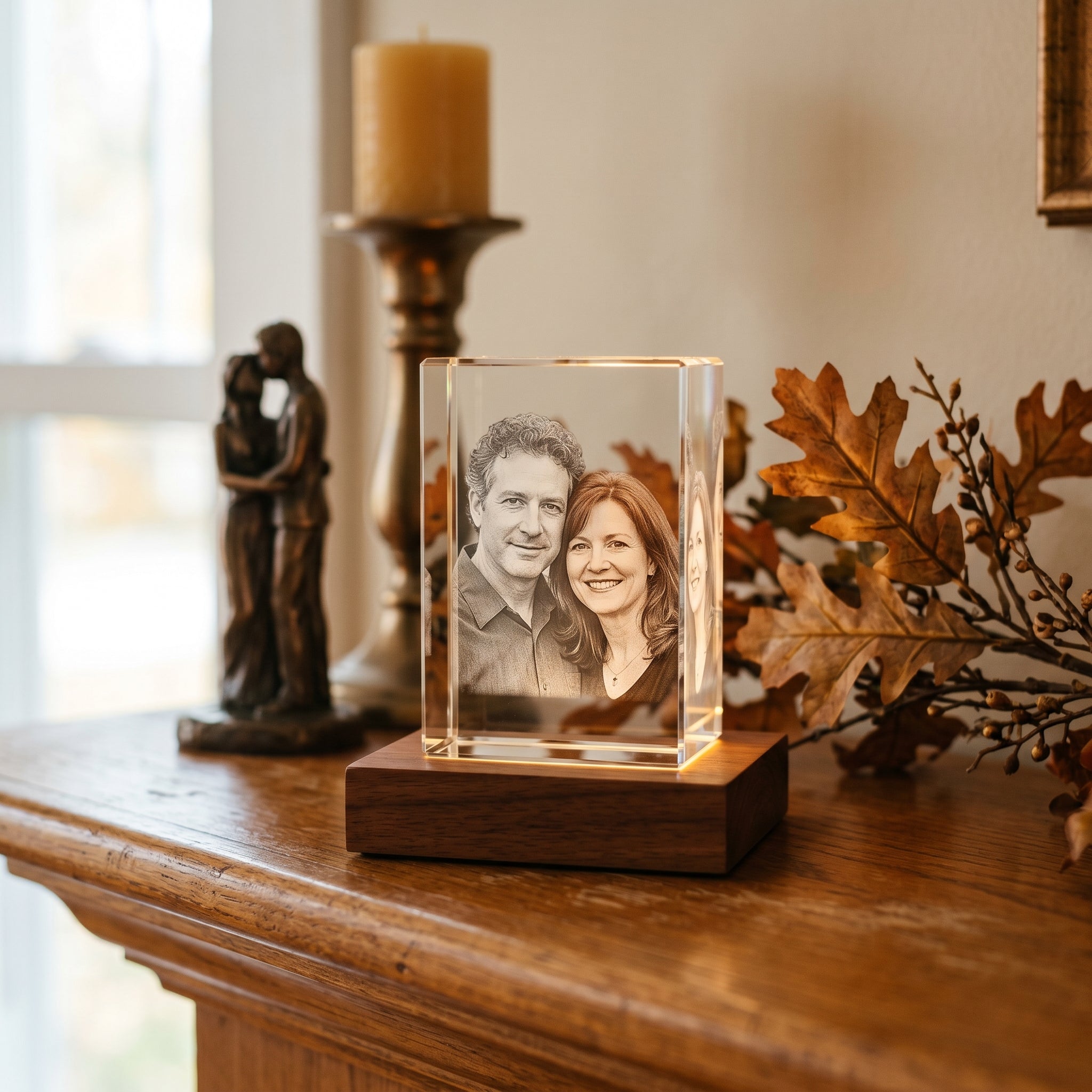
- Two people: Both subjects get good detail if the photo is high resolution and both faces are clearly visible. Wedding couples, parent and child, best friends - these work very well.
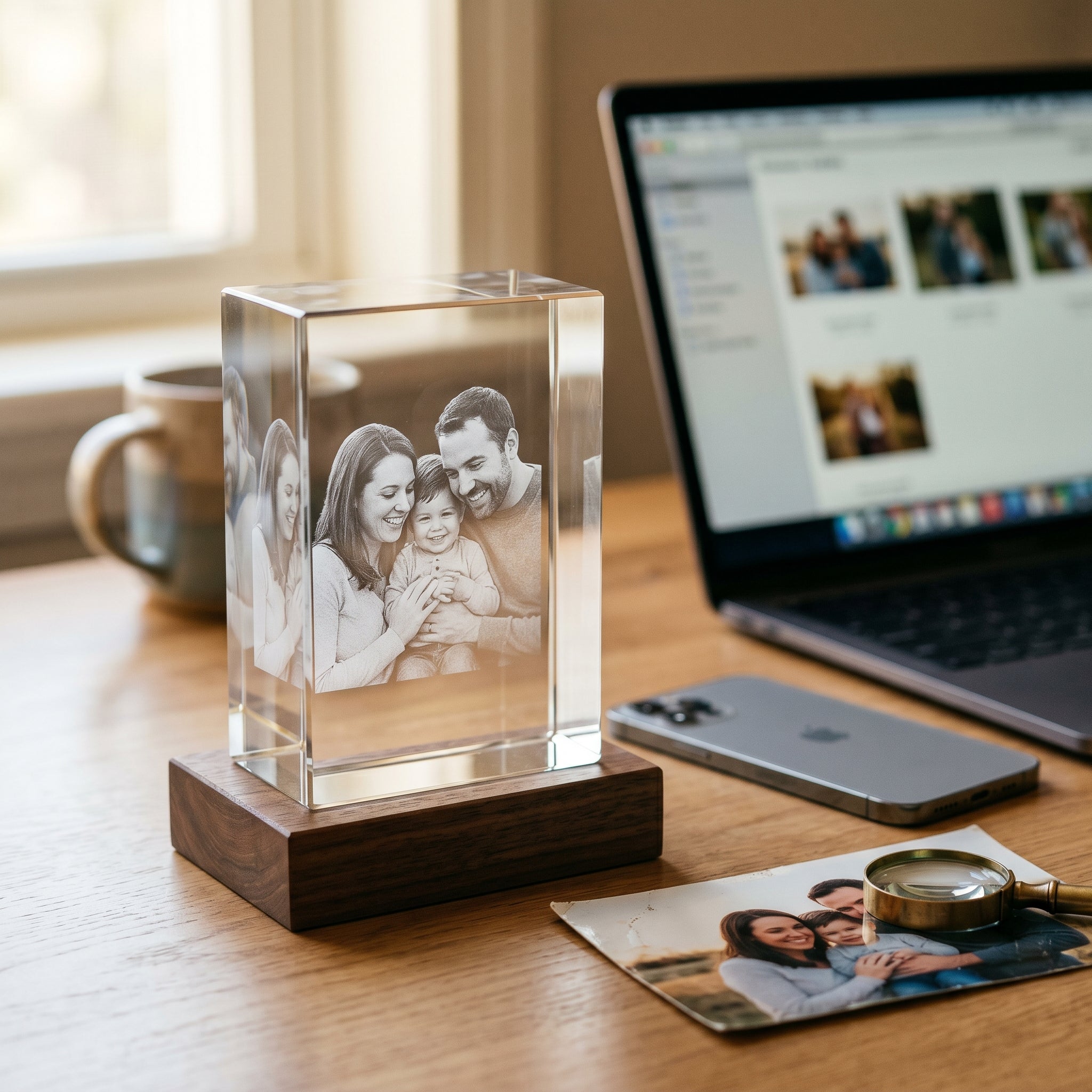
- Three to four people: Works for family photos if the photo is high resolution and everyone's face is clearly visible. Avoid photos where anyone is partially obscured.
- Large groups: Generally not recommended for smaller crystals - individual faces become too small to engrave with meaningful detail. Large format crystals can handle groups better.
Background: Keep It Simple
The 3D effect centers on the subject. Busy, cluttered backgrounds can compete visually with the portrait and make the crystal harder to read. Simple backgrounds - a plain wall, a softly blurred landscape, an open sky - put focus on the subject where it belongs.
The depth-of-field effect in photos with a blurred background (the 'bokeh' effect common in portrait mode on smartphones) actually works well for crystals - it signals clearly to the software what's foreground (subject) and what's background.
What About Pets?
Pet photos follow the same rules - but with one additional consideration: get the eyes. A pet looking at the camera, eyes visible and in focus, produces a dramatically better crystal than a profile shot or a photo where the eyes are in shadow. Get down to your pet's level rather than shooting from above, and catch them in a moment of stillness rather than motion.
Existing Photos vs. Taking a New One
Sometimes the perfect photo already exists - a favorite portrait, a wedding photo, a candid shot that just captures who someone is. If you have a photo that meets the criteria above, use it.
If you're ordering a crystal as a gift and want to take a new photo specifically for it, here's a simple approach: go outside on a bright but overcast day, position your subject so they're facing toward the light (not with the light behind them), and take 10-20 photos with your phone's portrait mode on. Review them at full size and pick the sharpest, most naturally lit one.
Common Mistakes to Avoid
- Using a photo of a photo - always use the original digital file
- Sending a screenshot - screenshots are compressed and lower resolution than the original
- Choosing a sentimental photo over a clear one - a technically poor photo of a perfect moment produces a poor crystal; find the clearest photo of that moment, or choose a different one
- Ignoring partially obscured faces - if someone is partially behind another person, that portion won't engrave well
- Sunglasses or hats casting shadows - eyes and facial features need to be clearly visible
How Beyond Memories Reviews Your Photo
Before processing any order, the team at Beyond Memories reviews every photo to assess its suitability. If there's a concern about photo quality - resolution, lighting, or clarity - they'll reach out before engraving begins. This quality check is one reason Beyond Memories' crystals consistently receive praise for their clarity and detail.
Frequently Asked Questions
Can I use a black and white photo?
Yes. Black and white photos work beautifully for 3D crystals - in some ways better than color, because the monochromatic tones give the depth-mapping software clear contrast to work with. Classic portraits, vintage family photos, and professionally shot black and white images often produce exceptional crystals.
What file format should I use?
JPEG (.jpg) is most common and works fine. PNG, HEIC (iPhone format), and TIFF also work. Avoid heavily compressed files or very small file sizes - these indicate the image data has been reduced.
Can you enhance a photo before engraving it?
Yes, within limits. Brightness and contrast adjustments can help. Sharpening can compensate for slight softness. But fundamental problems - motion blur, very low resolution, severe backlighting - cannot be fully corrected in post-processing. The rule: start with the best photo you have.
What if I only have an old printed photo?
Old printed photos can be scanned at high resolution (300-600 DPI) to create a usable digital file. A professional photo scanning service will get the best results. Photographing a printed photo with your phone (avoiding glare) also works in many cases.
Can I submit multiple photos and have someone choose?
Yes - you can contact Beyond Memories with multiple photo options and ask the team to advise on which will produce the best result. They're experienced at assessing photo quality and are happy to help you choose.